<-- jiegao.xyz

Roast Buddy (wip)

Roast Buddy is an experiment that connects my home roaster (Bullet R1 from Ailio) to custom hardware/software that helps me roast better. I was curious whether or not I could build something that gave me access to realtime information about how my roast is going, learn more about coffee roasting principles, and eventually train an ai to help me discern the nuances in coffee roasting that significantly change a roast's outcome.

2026-05-22

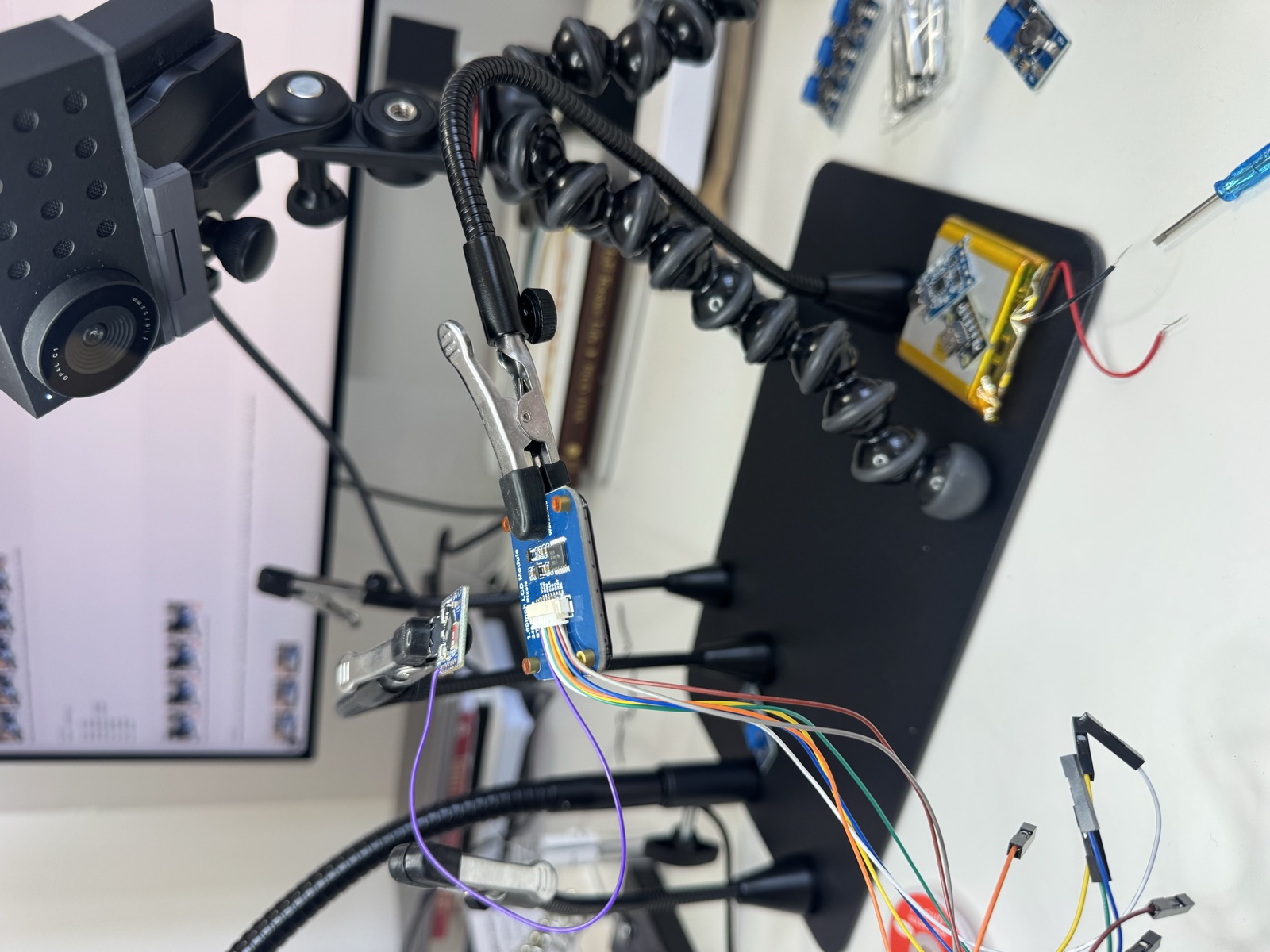
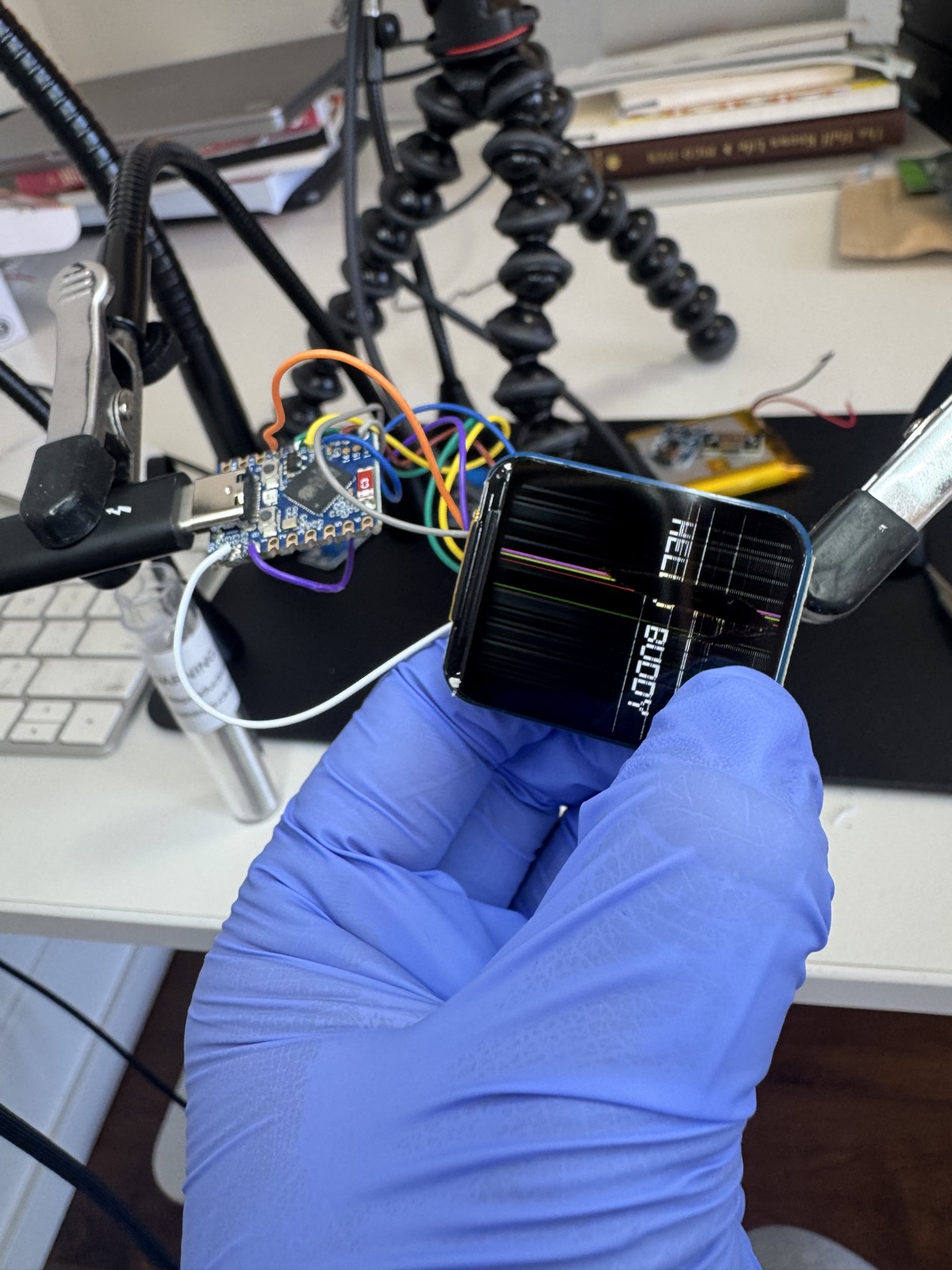
Spent the better half of 3 hours soldering and debugging the ESP32 with the LCD panel. Ended up improving the build-assistant tool for better webcam + chat layout as well. Have to redo the LCD soldering because it's cracked :'). But IT WORKS!

ESP32 board wired to a 1.69-inch LCD module on a black workbench mat with flexible alligator-clip arms holding things in place.
Cracked LCD screen :') but flashed software successfully!
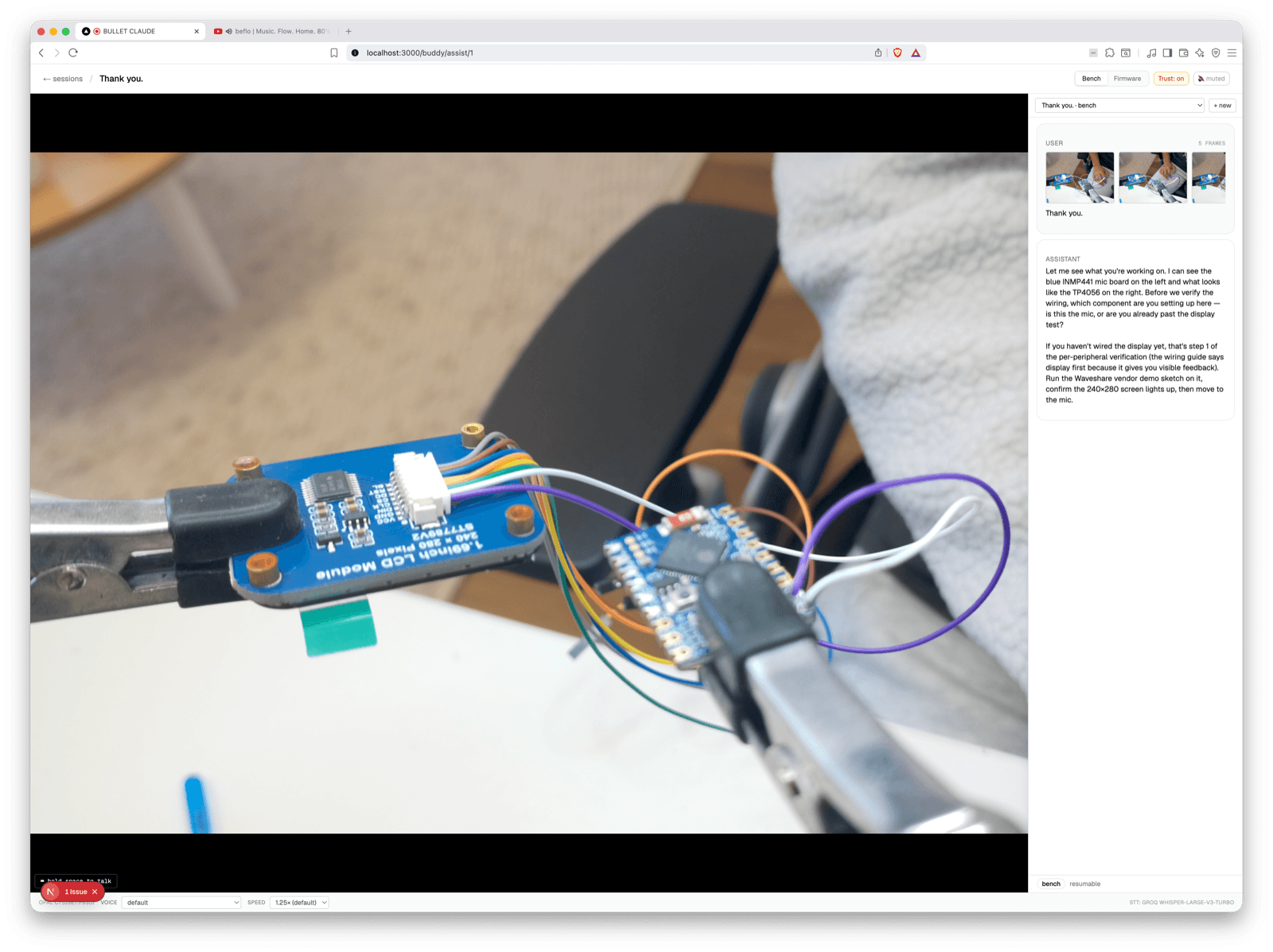
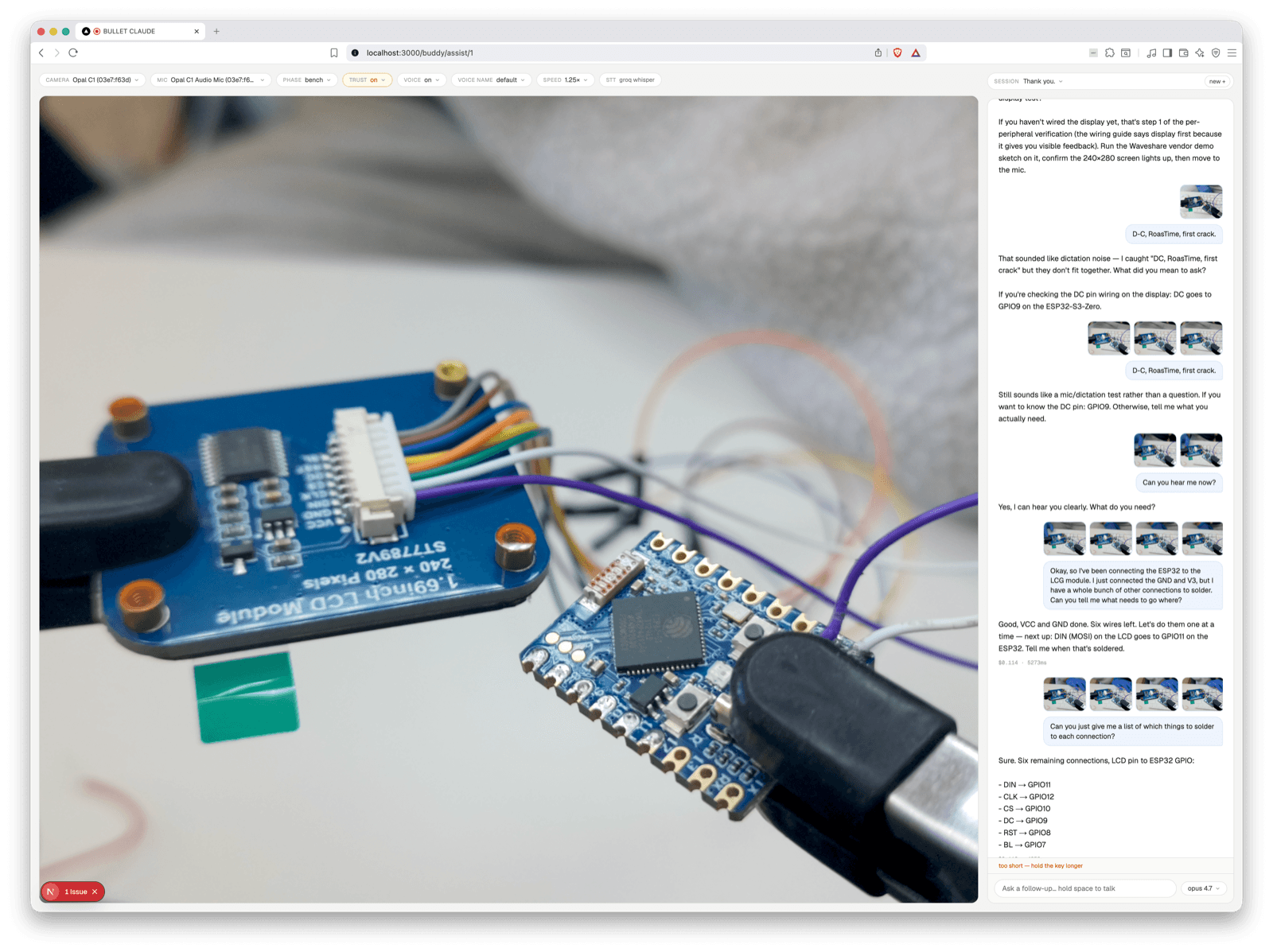
Screenshot of the build-assistant tool — a webcam view of the LCD module and ESP32 on a workbench, with a chat panel on the right showing AI-generated hardware guidance and code snippets.
A view of the build-tool that helps me with hardware questions. To use, I press spacebar and ask it a live question. Goes thru Groq and then relays to my claude + custom knowledge base about the project so it can answer my hardware questions with the correct context.

2026-05-10

Started the hardware build. Realized I knew nothing about hardware, so built a small tool that connected a webcam to a voice model & claude so I can chat with Claude while I am putting things together. Was very cool to make this because I felt like a wizard. Learned about how to adjust voltages on stuff so it doesn't fry your board.

Hardware build setup — magnifying lamp, alligator-clip stands, breadboard with sensors wired up, monitor in background showing the webcam build tool.
Close-up of the breadboard from a different angle — sensors clipped in by the alligator arms, wires running off the side.

2026-04-22

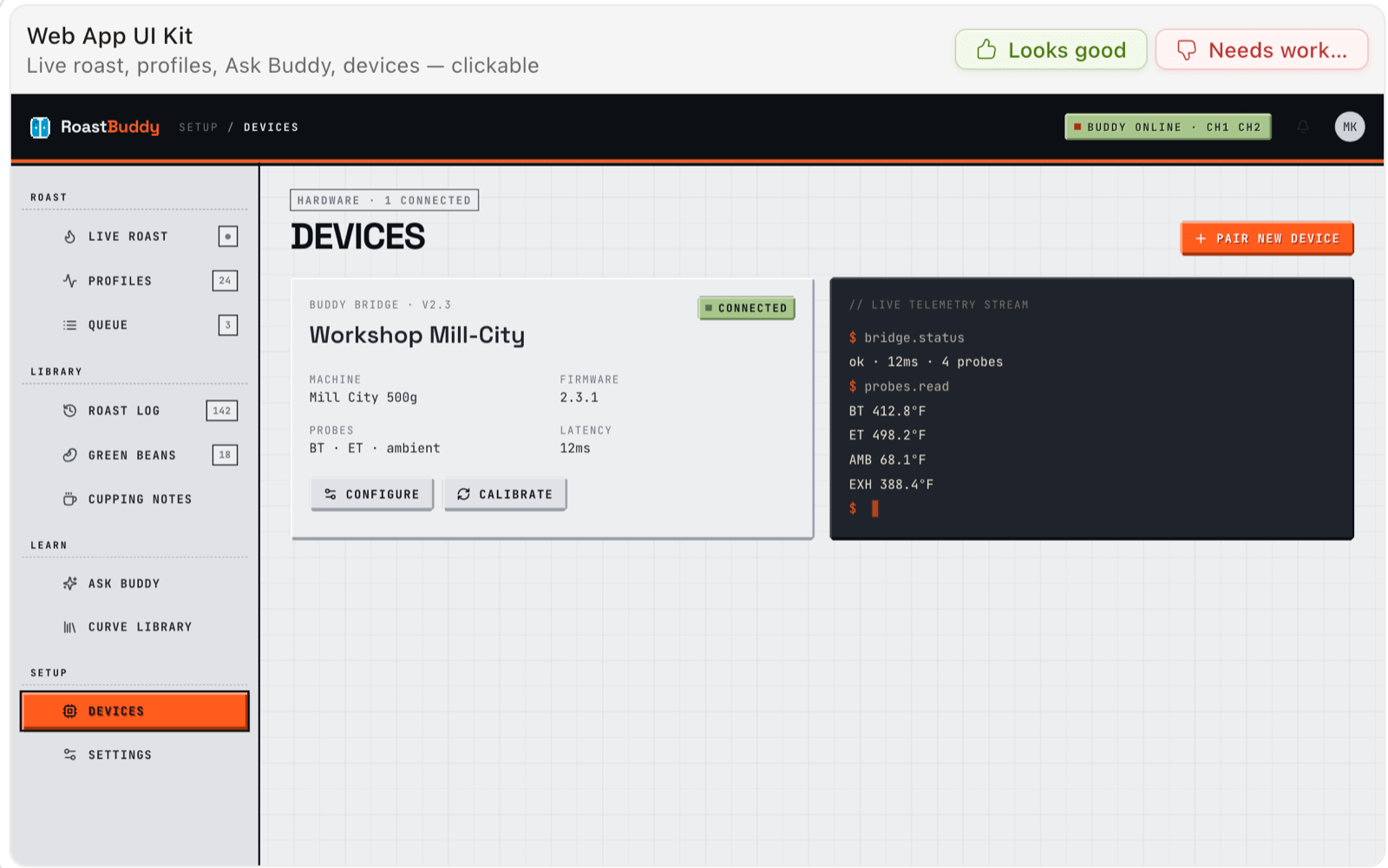
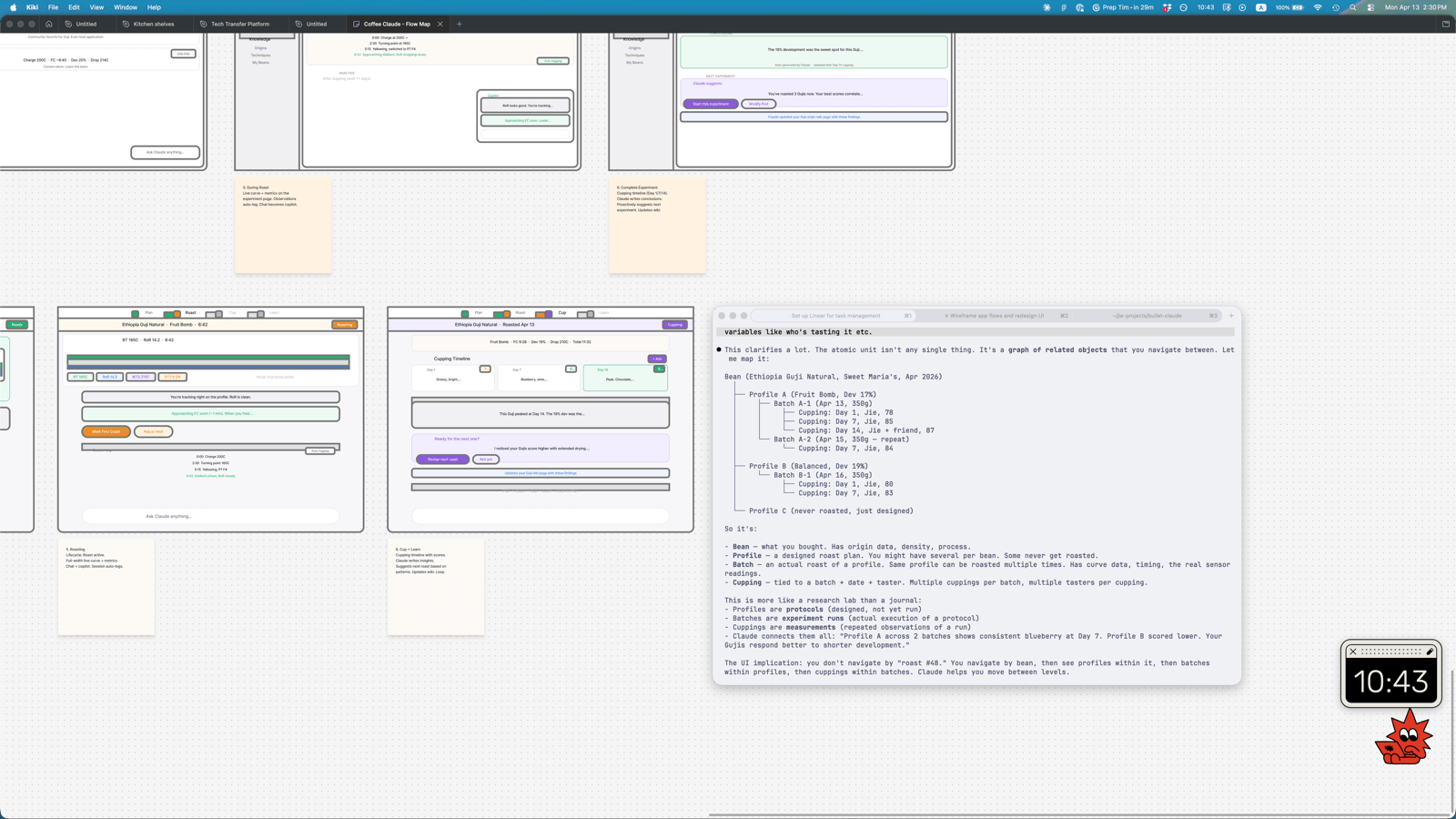
Got a little lost with UI explorations of the dashboard design, but was cool trying Claude Design. Started building the core elements of the knowledge graph.

Claude Design UI mockup showing exploratory dashboard layouts for the knowledge graph.
Another exploratory dashboard layout from the Claude Design session.

2026-04-17

Starting spec'ing out the physical hardware components for a hardware manifestation of roast buddy, which included a BOM sheet from claude + a whole bunch of amazon purchases. Spent a lot of time researching "e-noses" and "e-tongues" and decided to descope to later versions and focus solely on the buddy that streams current data with ambient info to the software. Reasoning was to replace the USB connection so it can sit right next to claude & be a lil cutie too.

Buddy Buying Sheet — a BOM with sections for Core MCU, Display, Microphone, Power System, Enclosure + Assembly, and Tools.

2026-03-18

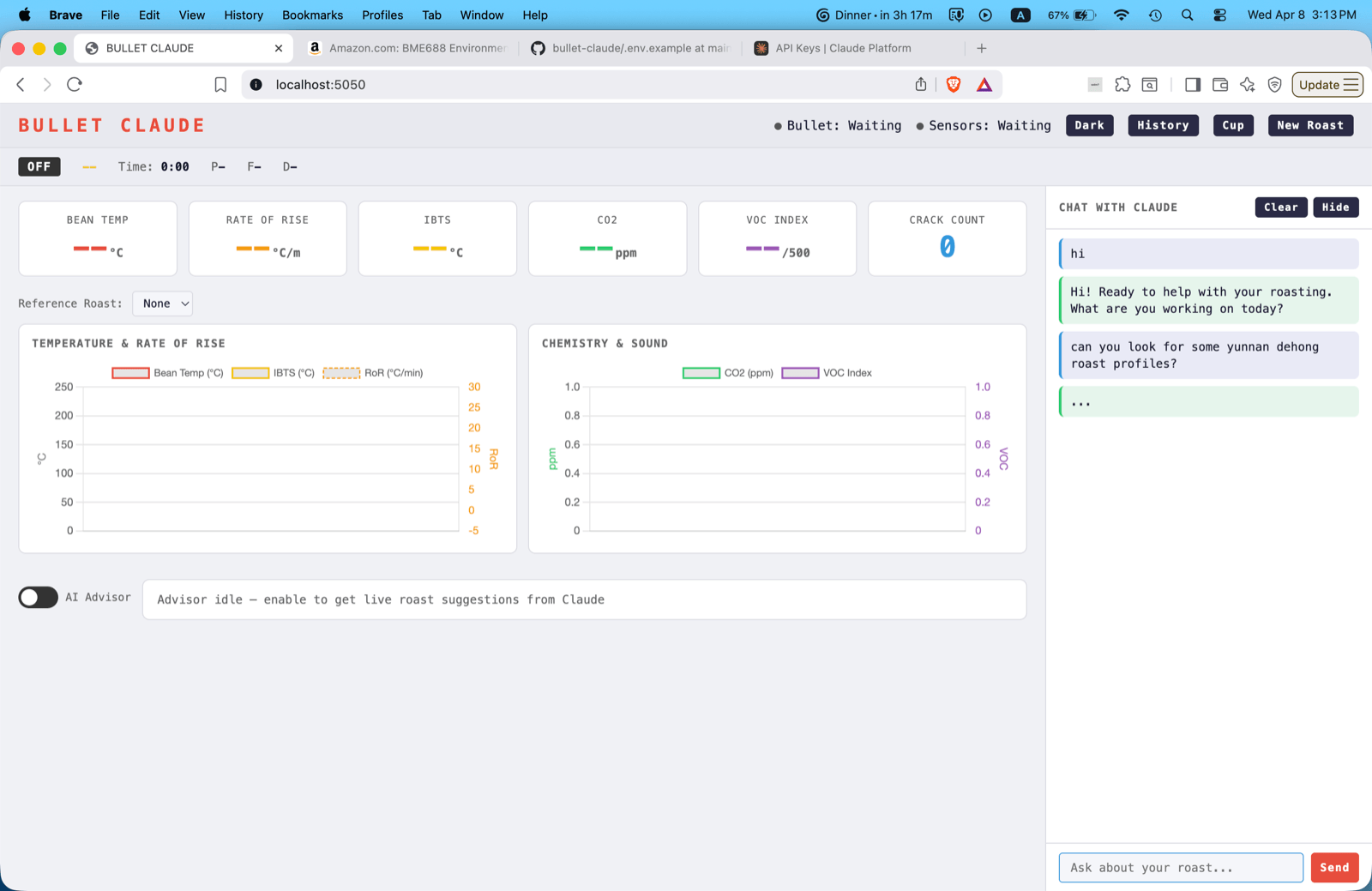
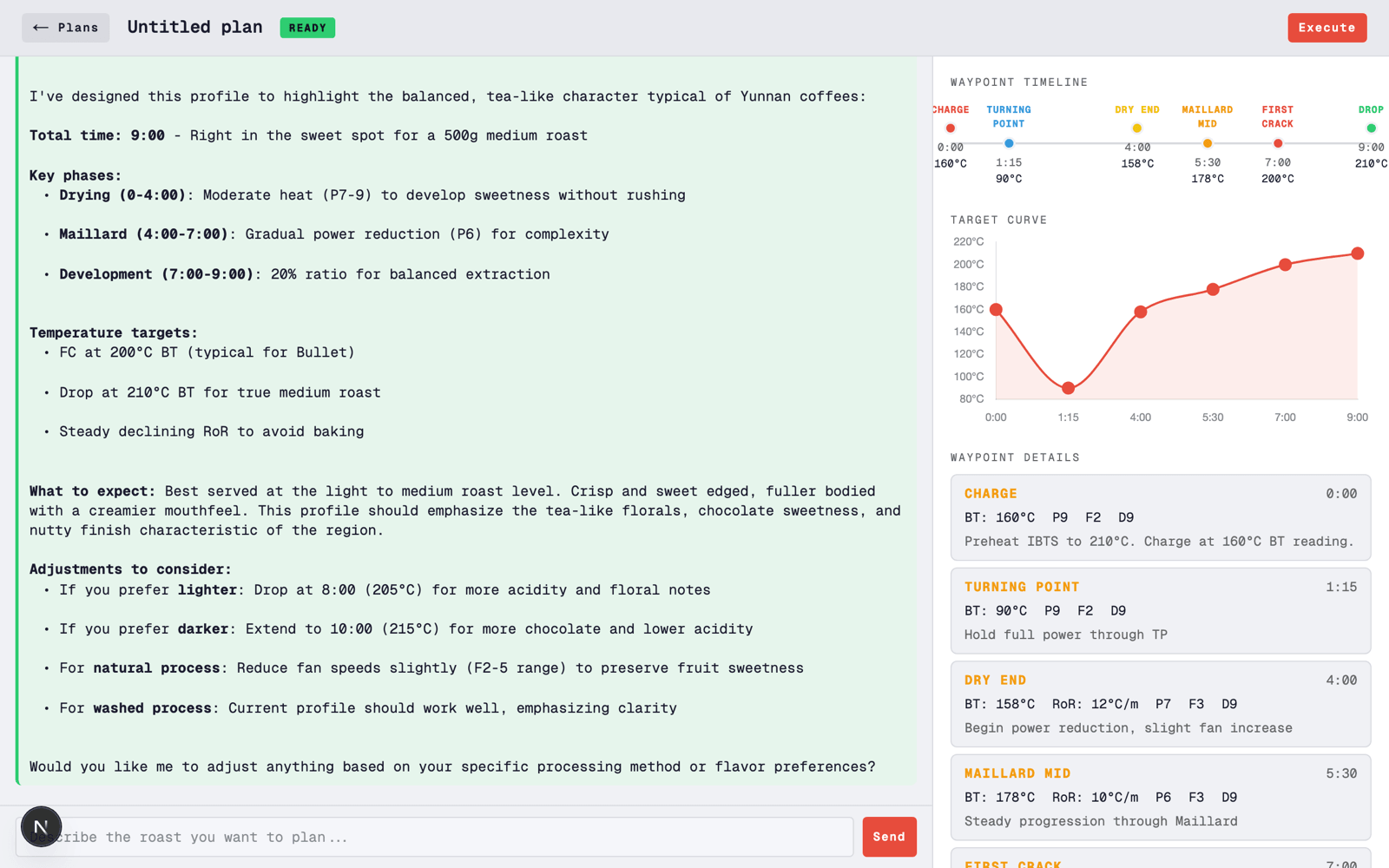
Played around with a v1 of the software, which includes a plan mode for making different roast profiles and a dashboard for when the roast is happening. Claude receives the data streamed from the Bridge directly into the software & can high-level adjust the roast (power, fan, drum speed etc) based on the profile we designed.

Bullet Claude v1 dashboard showing the plan workspace.
Bullet Claude v1 live roast dashboard with chart and live readings.

2026-03-15

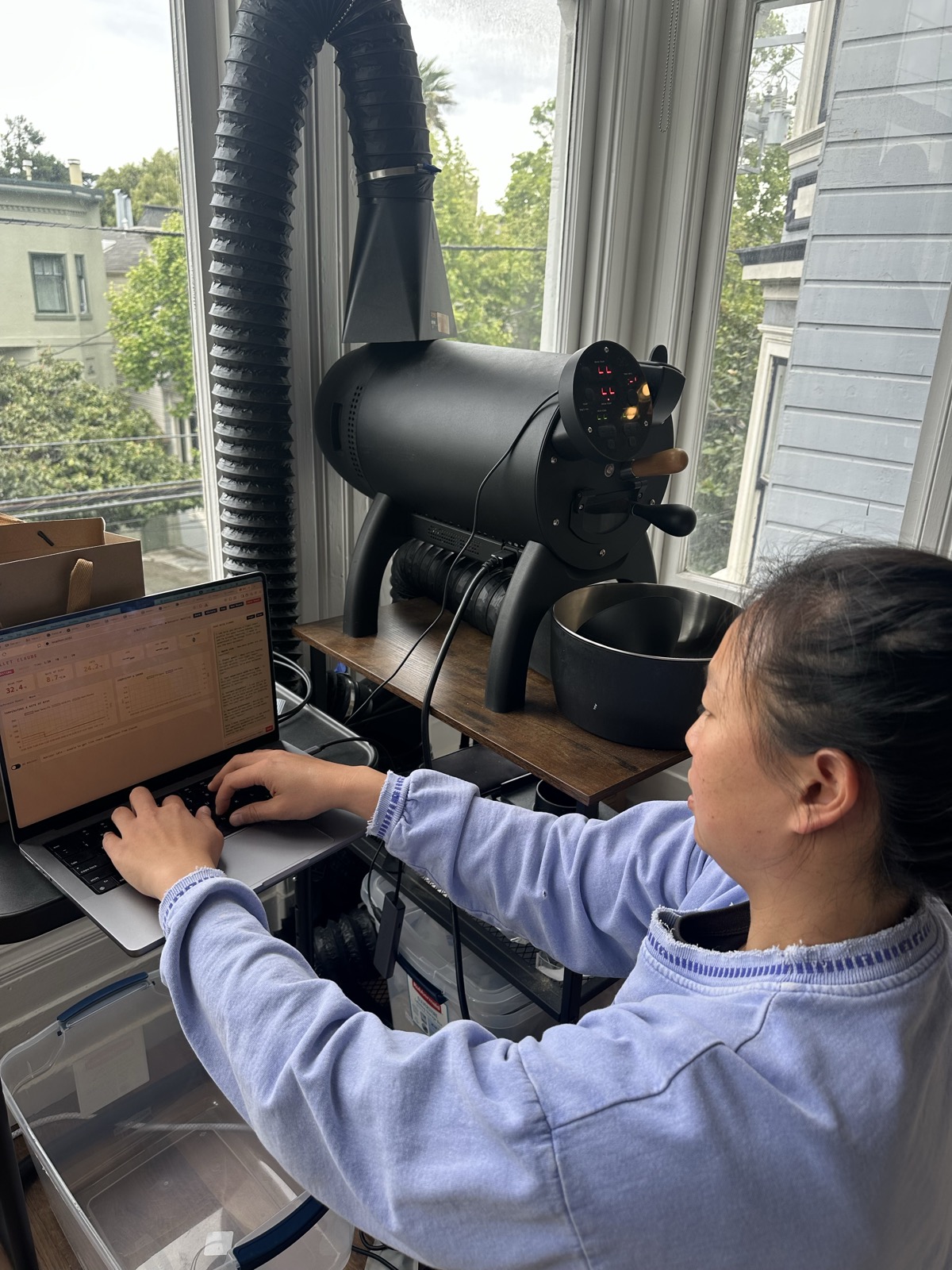
Successfully set up a Python bridge between the Bullet's USB port and a Next.js app! It streams sensor data (bean temp, rate of rise, drum temp, fan, heater state) from the Bullet to the custom software now. Huge because the bullet has no API. Based on the reverse-engineered protocol from Artisan (artisan-roaster-scope) https://github.com/artisan-roaster-scope/artisan, Claude was able to set up a custom one for our needs in our own software. So sick, as in 2025, I was trying to fine-tune a dataset for Claude Sonnet to understand the RoasTime software, but now it can custom write a protocol.
Me at a laptop next to the Aillio Bullet R1 black drum roaster, with exhaust ducting going up out a bay window.